
Photo Scanning
From $3.95 · 600 dpi · usually next day*
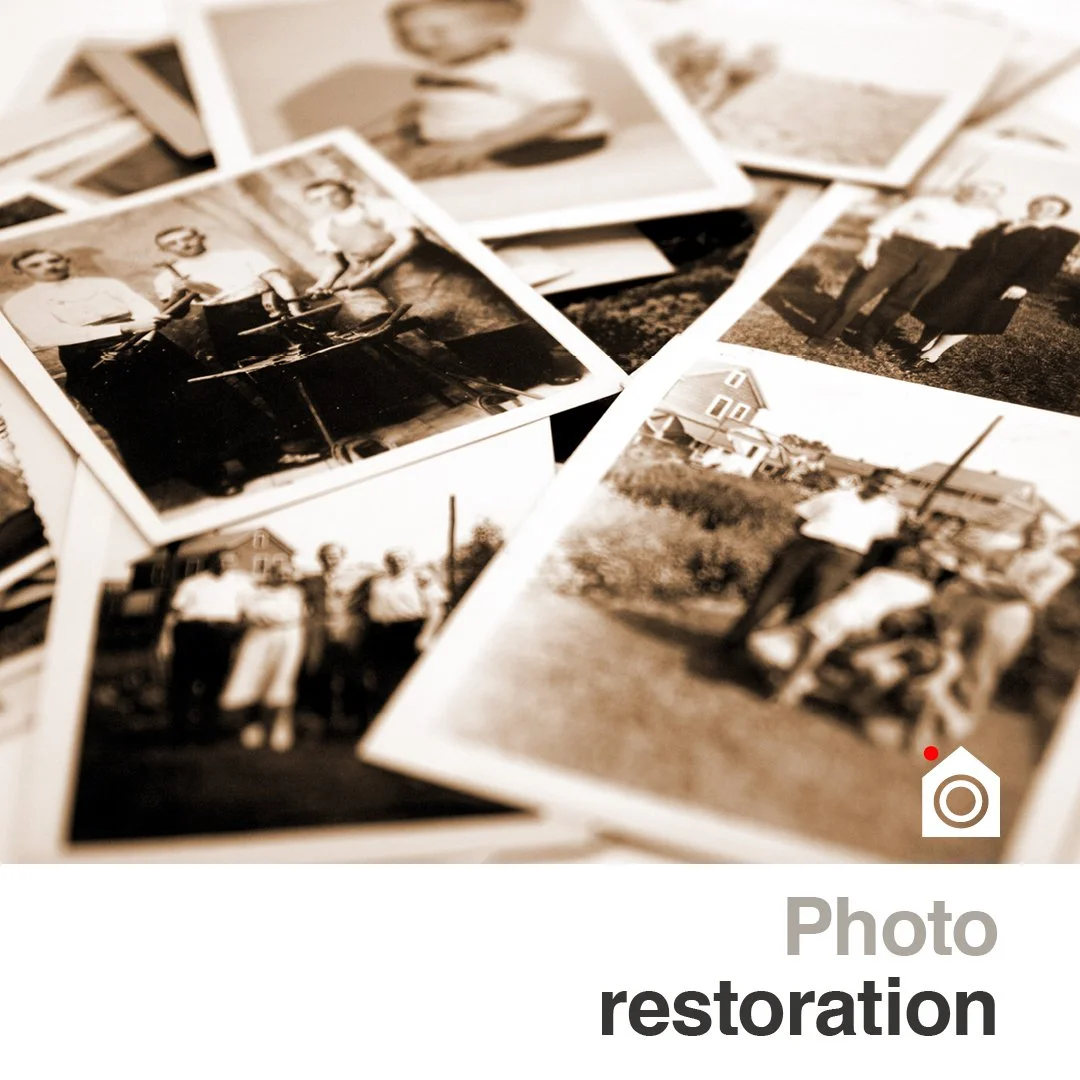
Drop your negatives, slides or photo prints in at 95 Keen Street. We'll scan them on a professional flatbed at 600 dpi, return your originals exactly as they came in, and deliver the digital files on USB or by email. *Turnaround depends on quantity. Larger batches may take longer — we'll always tell you when to expect them at drop-off.
Slides, Negatives and Prints
Every scan is at 600 dpi. The price reflects the size of the digital file you need — think of it as "how big might I ever want to print or use this?" A bigger file gives you more room to crop, reprint larger, or archive.
Output file size Resolution Price
Up to 10×15cm (good for screen, social, small prints) 600 dpi $3.95ea
Up to A4 (good for frames, albums, large screens) 600 dpi $7.95ea
Up to A3 (good for enlargements and archival use) 600 dpi $15.95ea
What you get at every level
High-resolution digital scan
JPEG files by default - TIFF/PNG on request
Digital file delivered on USB or by email
yours to print however you likeHonest quote before any work starts
How it works
Step 1 Bring it in.
Drop the original photo at 95 Keen Street. Bring them to 95 Keen Street. Let us know roughly how many photos and what size they are, so we can give you a clear timeframe.
Step 3 Choose your format.
JPEG by default (smaller files, works everywhere) or TIFF / PNG on request (for archival or editing work).
Step 2 We scan it at 600DPI
We use dedicated scanners for the job. Film, Slides or Prints.Nothing is applied to your originals - they stay exactly as they came in.
Step 4 Collect
Pick up the originals plus your digital files on USB or by email. If something didn't come out right, we'll redo it.
Scanned in-store for full quality control
Frequently asked questions
-
JPEG by default — small files, works everywhere. TIFF available on request for archival or editing work; PNG on request if you need transparency. Let us know your purpose and we'll deliver the right format.
-
Think about the biggest size you'd ever want to print or display the scan at. If you only want to share it on social or have it on your phone, the 10×15cm output is plenty. If you might frame an A4 print someday, pick A4. If you're archiving or want the option to enlarge to A3 later, go A3. The bigger the output you pick, the more flexibility you have later.
-
For screen viewing, social sharing, slideshows, and reprints up to the output size you've chosen, yes — plenty. For archival use, projection at very large sizes, or fine-art reproduction, we can talk about higher resolutions when you drop the photos in.
-
USB drive or by email — your choice. For larger batches we'll usually go with USB (faster, easier to organise). For one or two files, email is fine. You can bring your own USB or buy one from us.
-
Always. Nothing is applied to your originals — we work entirely from the digital scan. Your originals come home exactly as you brought them in.
-
We can scan them as-is, but if you want them repaired (water damage, tears, heavy fading, missing pieces, colour shift), our Photo Restoration service is what you want. The scan is part of that process and the restored digital file is yours. See the Photo Restoration page.
Find Us:
95 Keen Street,
Lismore NSW 2480
Hours:
Mon – Fri: 9am – 5pm
Saturday: 9am – 1pm
Sunday: Closed
Phone: 02 66 217300